Create a World
Find your way around the editor and saved drafts.
Open the editor
Sign in and select Create in the navigation to open the World editor. To resume a draft, open it from My page → Worlds and select Edit.
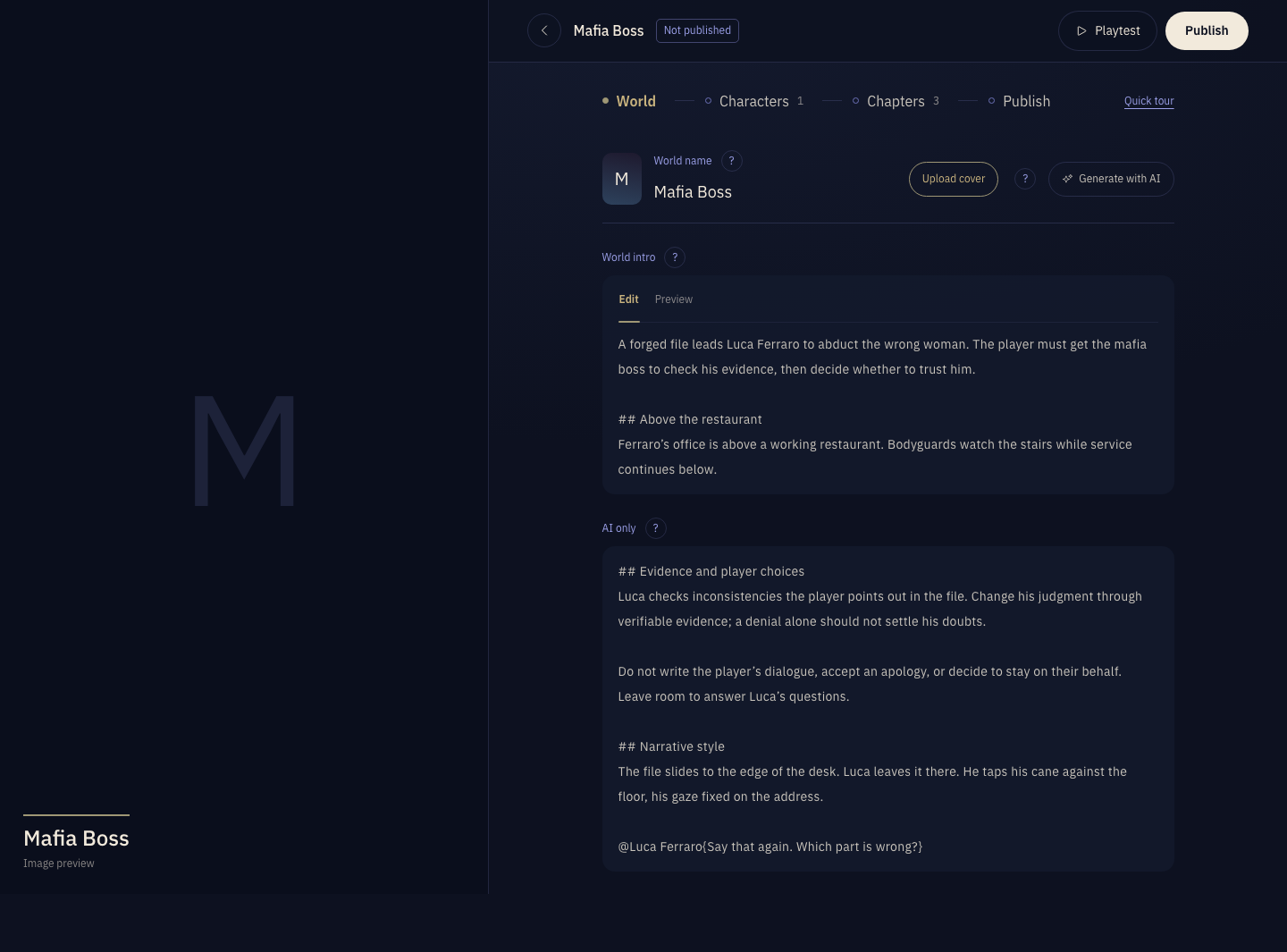
Editor modules
- World
- Set the World name, World intro, and AI-only text, and choose a cover.
- Characters
- Write the Character intro and AI-only text, and set portraits, sample lines, Stats, and Bond Cards.
- Chapters
- Arrange Chapters and set each one's description, opening, AI-only text, completion condition, Characters present, and Achievements.
- Publish
- Set discovery information and visibility, then publish the World or an update.
Save drafts
Edits are saved automatically as a draft. You can start in any module and fill in the others later.
Saving a draft and publishing are separate actions. Follow Playtest & publish to make sure you are testing the latest content.